
Getting the Heat Right on Your Anatol Printer Without Breaking the Bank
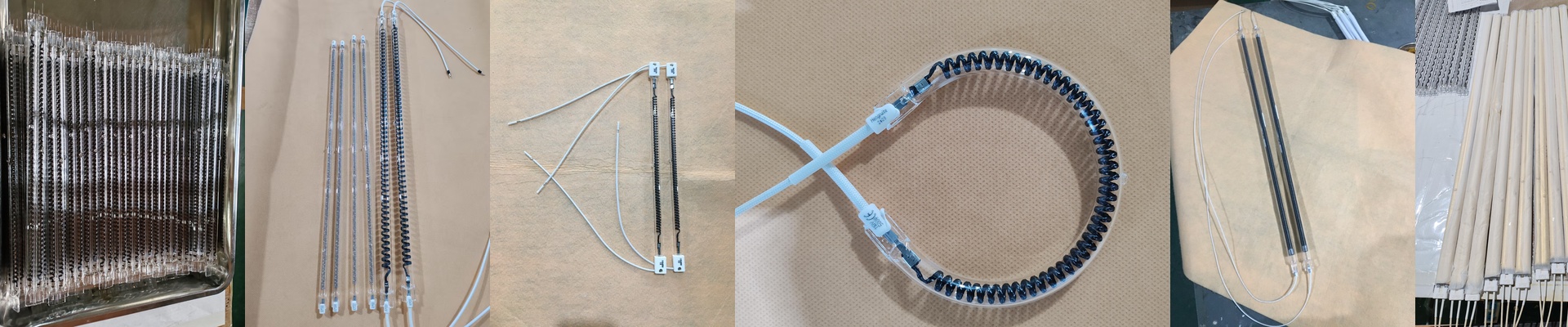
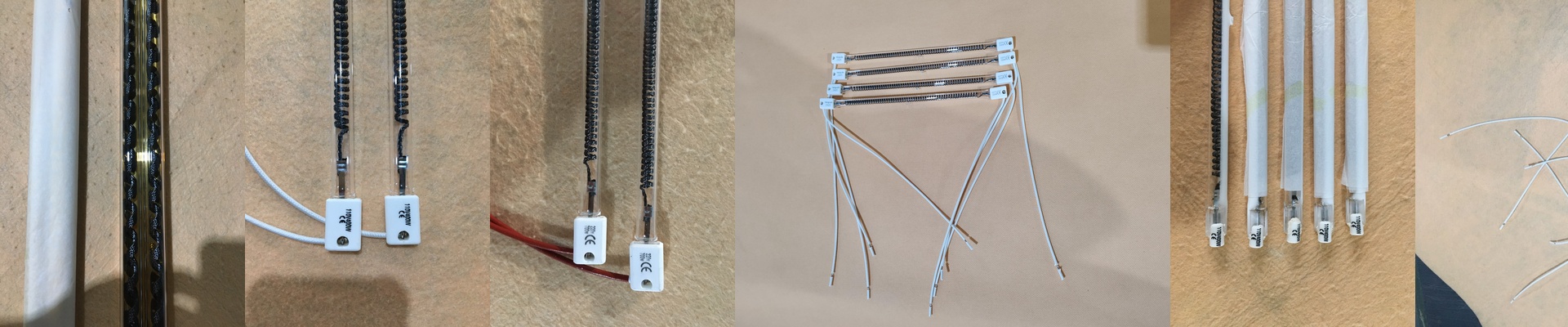
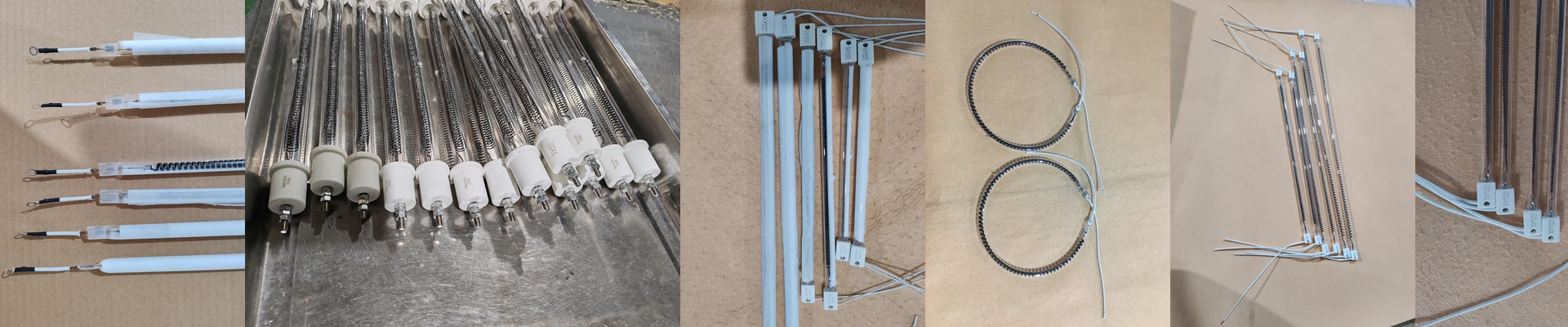
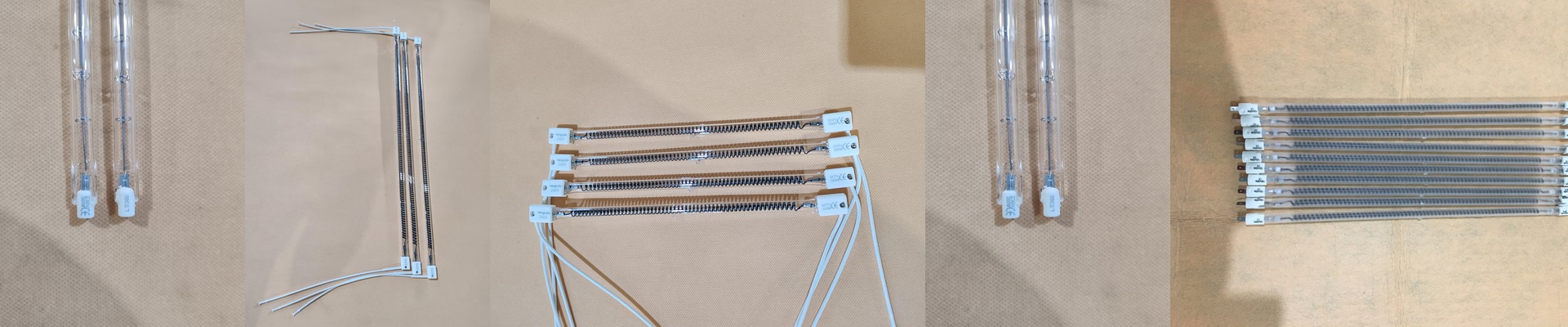
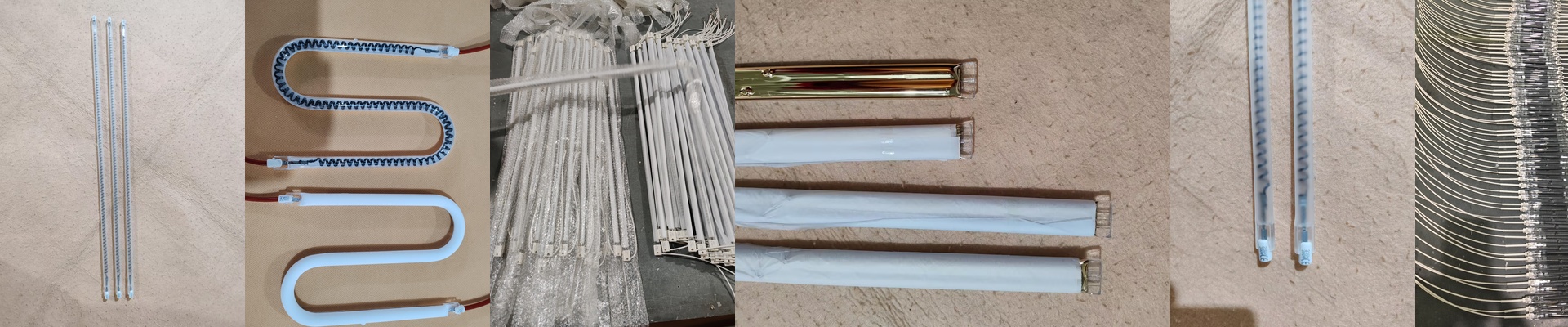
If you’re running an Anatol printer, you know the drill. If your heat isn’t spot on, your ink won’t cure, and your substrates start acting up. It’s a headache. Most people just buy the expensive OEM lamps because they’re scared of messing up the settings. But here’s the secret: you can get the exact same results using domestic short-wave infrared (IR) quartz tubes. You get the same heat density, but you stop paying the “brand name” tax on imports. It’s all about the math To make this work, we look at the surface load. Basically, if your machine asks for a specific amount of power over a certain length, we match those numbers exactly. You can’t just guess here. If the voltage or wattage is off, you’ll either trip a breaker or—even worse—end up with under-cured prints. We use high-purity quartz glass so the heat actually punches through the ink layers instead of just bouncing off. The “Plug and Play” Part We go with halogen-filled tubes. Why? Because they heat up fast. Like, seconds fast. And nobody wants to spend their afternoon rewiring a machine. That’s why we make sure the connectors—whether they’re R7s or custom pins—slide right into your existing sockets. No hacking, no soldering, no stress. Plus, some of these setups need a gold or ceramic coating. This keeps the heat pointed at the print and stops your printer’s chassis from turning into an oven. A few things to watch out for High-output tubes put a bit more pressure on your power supply. Before you flip the switch, take a quick look at your contact points. If you see oxidation or loose wires, fix them. A loose connection will arc and fry your socket in a heartbeat. One last thing: keep an eye on your exhaust fans. When your heating is more efficient, the curing chamber can get toastier. Just make sure your airflow can keep up with the heat, and you’re golden.